
 Calculate
Read-only connection
Works with Legacy Tax and SuiteTax. NetSuite keeps calculating tax and then Kintsugi reads your transactions to monitor nexus, prepare returns, and file and remit. Free exposure monitoring.
Kintsugi powered by Vertex calculates sales tax on your NetSuite invoices, monitors nexus in every state, and files and remits your returns.
Rated 4.6/5 on G2 (58 reviews) · 7,000+ customers

Trusted by 7,000+ businesses


Kintsugi powered by Vertex calculates the correct tax in real time, accounting for nexus status, product taxability, and your business details.
Your NetSuite transactions are tracked against every state's economic nexus threshold and VAT and GST rules in 100+ countries.
Kintsugi registers you where you owe, files every return, and remits on schedule, from $75 per filing or registration.
Connect NetSuite and Kintsugi takes over the sales tax work for you.
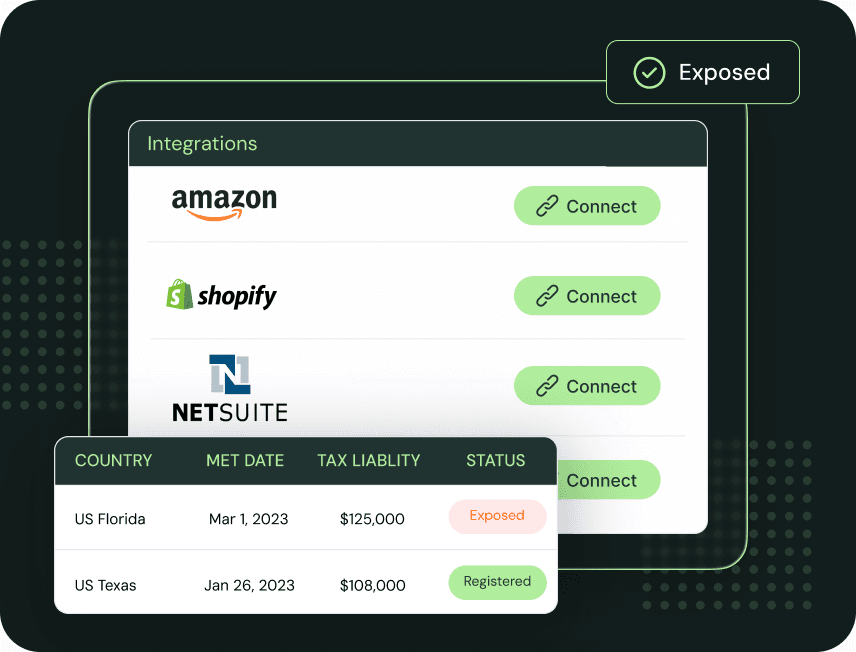
Connect NetSuite to Kintsugi. Customers, items, sales orders, invoices, credit memos, and exemptions sync automatically.
Kintsugi powered by Vertex works with SuiteTax specifically and calculates sales tax on NetSuite transactions as they are created so what you collect is accurate before the invoice posts.
Kintsugi registers you where you owe, files every return and remits the tax, and gives you the reporting you need to stay audit-ready.
| Synced | What Kintsugi does with it |
|---|---|
| Customers | Synced to determine where each sale is taxed. |
| Items | Mapped to the correct tax treatment. |
| Sales orders, invoices, and transactions | Used to calculate liability across US states and VAT/GST countries. |
| Credit memos and refunds | Applied against the original invoice's tax so liability matches what was collected. |
| Exemptions | Carried through from the NetSuite customer record so exempt sales aren't over-taxed. |
Works with Legacy Tax and SuiteTax. NetSuite keeps calculating tax and then Kintsugi reads your transactions to monitor nexus, prepare returns, and file and remit. Free exposure monitoring.
Works with SuiteTax. Kintsugi powered by Vertex provides you with the same enterprise-grade tax calculation that Fortune 500 companies rely on, at a price and onboarding speed that works for growing companies. Once installed, Kintsugi syncs your registrations into NetSuite automatically, so there's no tax setup to configure by hand.
Economic nexus monitoring runs on your NetSuite transaction data across all US states.
Hundreds have switched to Kintsugi for more reliable support and service.
VAT and GST exposure across 100+ countries from the same NetSuite data.
NetSuite's SuiteTax determines US sales tax on transactions, through its SuiteTax Engine or a partner tax engine, and the U.S. Sales Tax Reports SuiteApp adds liability and by-state reports.
Filing is handed off: for returns, the reports SuiteApp has you select a third-party tax filing partner.
Kintsugi covers the whole job. Its tax engine, powered by Vertex, calculates sales tax on NetSuite invoices in real time, and Kintsugi monitors nexus in every state, then registers, files, and remits for you.

Ryan Frazier
Head of Finance, Co-Founder, Kanga Coolers
Kintsugi automated our filings, improved compliance, and ensured accurate payments. They verified we had the correct licence types in 30+ states, assisted with back filings, and integrated with Shopify, Amazon, and NetSuite. Their responsive and knowledgeable support has made our sales tax process efficient and reliable, providing significant peace of mind.

April Walford
Operations Manager at JMXi
They corrected errors in our past returns, enrolled us quickly and efficiently, filed everything on time, and thoroughly researched any questions or concerns we had. Their customer service is excellent.

Mo Hartman
Staff Accountant at Searchspring
Having the visibility on the dashboard has been extremely helpful and the ease of being able to approve. It is very user-friendly and I can see everything I need in one place.