Calculate
Read-only connection
Amazon keeps collecting tax on the orders it facilitates. Kintsugi reads your Seller Central data to calculate what's still yours, monitor exposure, register, file, and remit.
Amazon collects sales tax on the orders it facilitates. Kintsugi calculates what's still yours across Amazon and every other channel, tracks nexus, and files and remits your returns.
Free exposure monitoring · Filing from US$75 (approx. £57) · No per-transaction fees
Rated 4.6/5 on G2 (58 reviews) · 7,000+ customers
Trusted by 7,000+ businesses


Kintsugi calculates the tax Amazon's facilitator coverage leaves with you, from your Seller Central data and every other channel.
Kintsugi tracks economic nexus from all your sales, plus FBA inventory locations that can create physical nexus.
Kintsugi registers you where you owe, files every return, and remits on schedule, from $75 per filing or registration.
Selling on your own storefront too? Kintsugi's Tax Estimation API and SDKs calculate tax at that checkout. Tax Estimation API docs
Kintsugi reads your Seller Central data, never touching how Amazon taxes your orders, to find the exposure facilitator rules don't cover and keep every return filed.
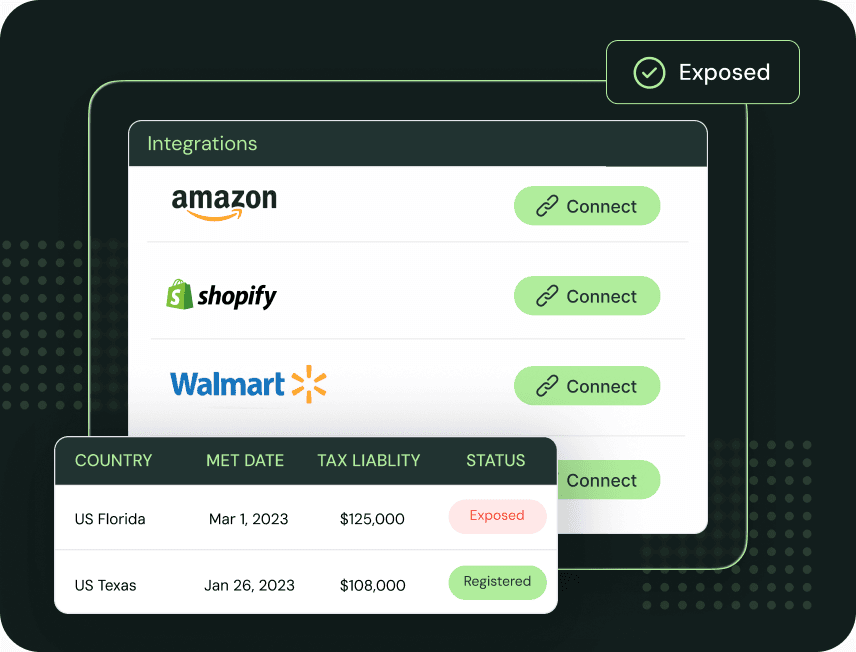
Connect Seller Central with your region, marketplaces, and Merchant Token. FBA orders, fulfilled shipments, and transaction-level data sync automatically, with no exports or manual entry.
Kintsugi separates what Amazon collected from what's still yours, including sales outside Amazon, and classifies your products for accurate taxability.
Kintsugi registers you where you owe, files every return, and remits on schedule, with an audit trail that holds up when a state comes asking.
| Synced | What Kintsugi does with it |
|---|---|
| FBA orders | Counted toward economic nexus in every state, alongside your other channels. |
| Fulfilled shipments | Show where your FBA inventory ships from, which can create physical nexus. |
| Transaction-level data | Separates the tax Amazon collected from what's still yours to report. |
| Items on your orders | Classified for taxability by jurisdiction. |
Amazon keeps collecting tax on the orders it facilitates. Kintsugi reads your Seller Central data to calculate what's still yours, monitor exposure, register, file, and remit.
Combine Amazon with every other channel so nexus reflects your total sales, not just what Amazon facilitates.
Fulfilment-centre locations can create physical nexus. Kintsugi accounts for them alongside your sales volume.
Run Kintsugi beside Avalara or TaxJar on your Amazon exposure first, then consolidate when you're ready.
Every US state with a sales tax has a marketplace facilitator law, so Amazon calculates, collects, and remits sales tax on the orders it facilitates. A few local jurisdictions, such as Colorado home-rule cities, and some products and services fall outside that coverage.
Amazon says it is not responsible for filing taxes on your behalf. You may still have a reporting obligation for Amazon sales, and you remain responsible for tax in jurisdictions and on products Amazon doesn't cover, plus everything you sell outside Amazon.
Kintsugi reads your Seller Central data, combines it with every other channel you sell through, calculates what's still yours, and registers, files, and remits it.
Jared Stark
Founder of Incendico Fire Alarm Store
The setup was incredibly seamless and much faster than I expected, with clear guidance throughout the process. What really stands out is their support since it is easy to get in touch with someone quickly and the team is knowledgeable and actually helpful when you have questions.

April Walford
Operations Manager at JMXi
They corrected errors in our past returns, enrolled us quickly and efficiently, filed everything on time, and thoroughly researched any questions or concerns we had. Their customer service is excellent.

Mo Hartman
Staff Accountant at Searchspring
Having the visibility on the dashboard has been extremely helpful and the ease of being able to approve. It is very user-friendly and I can see everything I need in one place.