
Maxio Sales Tax Automation
Kintsugi calculates what you owe from your Maxio invoices, renewals, and upgrades, tracks nexus in every state, and files and remits your returns.
Free exposure monitoring · Filing from US$75 (approx. £57) · No per-transaction fees
Rated 4.6/5 on G2 (58 reviews) · 7,000+ customers
Trusted by 7,000+ businesses


Kintsugi calculates, monitors, and files your Maxio sales tax
- Calculate
What you owe, every billing cycle
Kintsugi classifies your Maxio products and calculates your liability in every jurisdiction, through renewals, upgrades, and mid-cycle adjustments.
A real-time tax engine for Maxio is on our roadmap.
- MonitorFree
Nexus on recurring revenue
Every Maxio renewal counts toward each state's economic nexus threshold, with an alert the moment you cross one.
- File & remit
Returns filed for you
Kintsugi registers you where you owe, files every return, and remits on schedule, from $75 per filing or registration.
 Calculate
Need tax calculated at checkout or invoice time? Kintsugi's Tax Estimation API and SDKs do it. Tax Estimation API docs
How Maxio connects to Kintsugi
Maxio runs your billing. Kintsugi works straight from that data to calculate what you owe as subscriptions renew and grow, and keeps every return filed and remitted on schedule.
Connect & sync
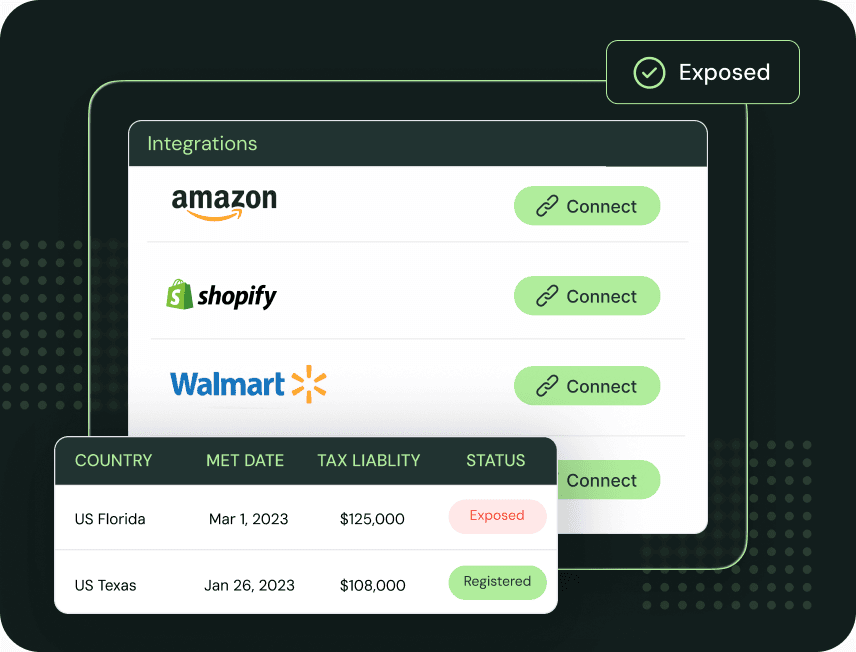
Connect Maxio and Kintsugi syncs your customers, products, and invoices, including renewals, upgrades, downgrades, and mid-cycle adjustments, for a current picture of your exposure.
Calculate what you owe
Kintsugi classifies each Maxio product for taxability and calculates what you owe in every US state, plus VAT and GST in 100+ countries, as your catalogue changes.
Register, file, and remit
Kintsugi registers you where you owe, files every return and remits the tax, and keeps your billing and revenue teams audit-ready.
What Kintsugi syncs from Maxio
| Synced | What Kintsugi does with it |
|---|---|
| Customers | Matched to the location each invoice is taxed in. |
| Products | Classified for taxability by jurisdiction as your subscription catalogue changes. |
| Invoices and renewals | Counted toward every state's nexus threshold and used to calculate what you owe. |
| Credits, refunds, and adjustments | Applied so liability reflects what you collected, including mid-cycle proration. |
Who uses Kintsugi with Maxio
Renewals and plan changes
Every renewal, upgrade, downgrade, and usage charge is treated as its own taxable event, with no manual tracking.
Subscribers in new states
Kintsugi flags new nexus automatically as your subscriber base grows, so you're not tracking thresholds by hand.
Switching from Avalara
Run Kintsugi beside Avalara on your Maxio billing with no change to how you invoice, then move over on your timeline.
How Maxio sales tax works
What Maxio does
Maxio Advanced Billing lets you define and maintain custom taxes yourself, connect your own Avalara AvaTax account, or use Managed Sales Tax, which applies Avalara-calculated tax in the taxable regions you choose.
Where it stops
That built-in option has an end date: Maxio has announced that Managed Sales Tax reaches end of life and is no longer available from 20 November 2026.
What Kintsugi adds
Kintsugi reads your Maxio invoices, renewals, and adjustments to calculate what you owe in every state, monitor nexus, and register, file, and remit for you.
Sources: Maxio tax options, Maxio Managed Sales Tax
Why Customers Love Us
Jared Stark
Founder of Incendico Fire Alarm Store
The setup was incredibly seamless and much faster than I expected, with clear guidance throughout the process. What really stands out is their support since it is easy to get in touch with someone quickly and the team is knowledgeable and actually helpful when you have questions.

April Walford
Operations Manager at JMXi
They corrected errors in our past returns, enrolled us quickly and efficiently, filed everything on time, and thoroughly researched any questions or concerns we had. Their customer service is excellent.

Mo Hartman
Staff Accountant at Searchspring
Having the visibility on the dashboard has been extremely helpful and the ease of being able to approve. It is very user-friendly and I can see everything I need in one place.