
 Calculate
Read-only connection
Kintsugi reads your Zuora data to calculate what you owe and monitor exposure, then registers, files, and remits. No Vertex setup needed.
Kintsugi powered by Vertex pairs the tax engine trusted by some of the largest companies in the world, with Kintsugi's modern AI-powered platform so your sales tax is always accurate and managed for you.
Free exposure monitoring · Filing from US$75 (approx. £57) · No per-transaction fees
Rated 4.6/5 on G2 (58 reviews) · 7,000+ customers
Trusted by 7,000+ businesses


Every Zuora invoice gets the right tax the moment it's created, calculated by Kintsugi's tax engine, powered by Vertex.
Your Zuora billing is tracked against every state's economic nexus threshold and VAT and GST rules in 100+ countries.
Kintsugi registers you where you owe, files every return, and remits on schedule, from $75 per filing or registration.
Growing subscription businesses need enterprise-grade tax accuracy without an enterprise tax project. Kintsugi, powered by Vertex, delivers it on every Zuora invoice at a fraction of the cost, while its AI keeps products categorised and every return filed.
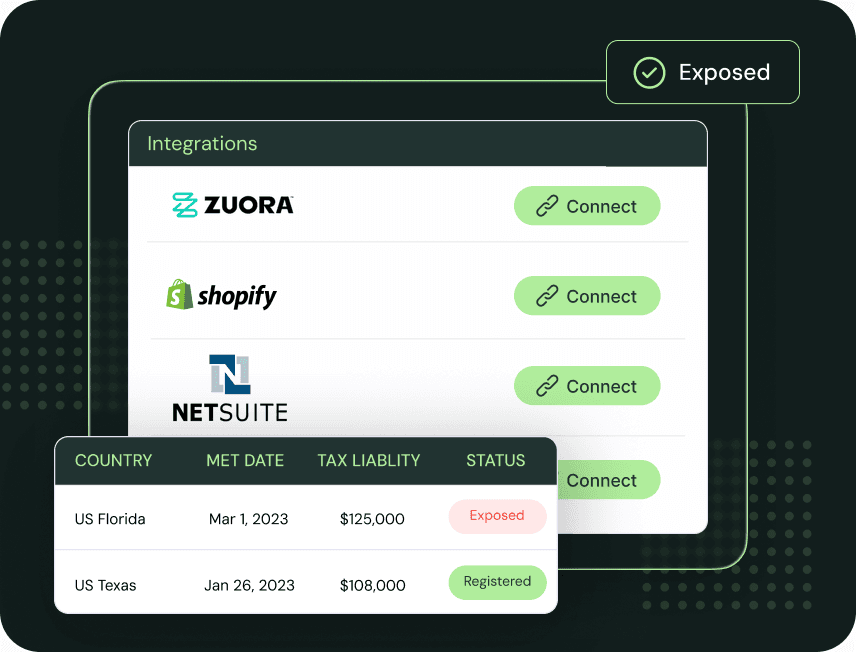
Connect Zuora and Kintsugi pulls in your accounts, products, invoices, and credit memos automatically, with no manual exports or reconciliation, and starts tracking your exposure as you bill.
Every Zuora invoice gets the right tax the moment it's created, calculated by Vertex. Kintsugi's AI keeps your products categorised, so there's nothing to map by hand.
Kintsugi registers you where you have exposure, files and remits on schedule, and keeps the reporting you need on hand for an audit.
| Synced | What Kintsugi does with it |
|---|---|
| Accounts | Matched to the location each invoice is taxed in. |
| Products | Categorised by Kintsugi's AI, so every invoice is taxed correctly. |
| Invoices | Used to track nexus and calculate what you owe in every jurisdiction. |
| Credit memos | Applied at the transaction level so filings reflect what you actually collected. |
Kintsugi reads your Zuora data to calculate what you owe and monitor exposure, then registers, files, and remits. No Vertex setup needed.
The right tax on every Zuora invoice the moment it's created, powered by Vertex, with Kintsugi's AI keeping your products categorised.
Vertex's engine covers 19,000+ taxing jurisdictions and is trusted by some of the largest companies in the world. Vertex is also an investor in Kintsugi.
Upgrades, downgrades, renewals, and their credit memos flow into your tax picture automatically, with no separate process.
Run Kintsugi alongside Avalara without changing how you bill in Zuora, compare the two, then switch on your timeline.
Track VAT and GST exposure across 100+ countries from the same Zuora billing data.
Zuora applies the tax rates you maintain yourself in Zuora Tax, or hands calculation to a third-party engine through its Avalara integration or a Marketplace tax app such as the Vertex O Series Tax Connector.
Zuora is clear that the rates on your invoices are not your filing: its tax rates are the amounts you display on invoices, not the remittance amounts you may owe each taxing authority.
Kintsugi, powered by Vertex, puts the right tax on every Zuora invoice as it's created, then monitors nexus and registers, files, and remits for you.

Carson Snyder
Manager, Accounting, EngagedMD
Kintsugi is much more involved than our previous solutions, and seems to take a lot more initiative than other platforms towards actually automating end to end compliance. It’s an easier view of our compliance across the US.

April Walford
Operations Manager at JMXi
They corrected errors in our past returns, enrolled us quickly and efficiently, filed everything on time, and thoroughly researched any questions or concerns we had. Their customer service is excellent.

Mo Hartman
Staff Accountant at Searchspring
Having the visibility on the dashboard has been extremely helpful and the ease of being able to approve. It is very user-friendly and I can see everything I need in one place.