Sales tax compliance doesn't need to be complicated. At Kintsugi, our goal has always been to automate the things that take time away from what really matters: building your business. From the start, automation has been the foundation, and our tax experts have been the safeguard.
Starting September 2026, we're adding a new layer on top of that foundation: direct, on-demand access to your own compliance picture, wherever you are, through the AI tools you already use.
Introducing the new Kintsugi MCP server.
Ask Claude About Your Compliance Data
Kintsugi's MCP server gives customers and partners a direct, secure way to pull their live sales and use tax compliance data into the AI tools you already use, like Claude or ChatGPT. It's a secure, read-only connector: sign in once with an existing Kintsugi login, and from then on any MCP-compatible agents can query their organization's nexus, transactions, filings, registrations, products, connections, and account data on their behalf, grounded in real numbers rather than a general knowledge base.
Once connected, you can ask Claude things like "Which states am I approaching nexus in?" or "What filings are due this month?" and get an answer pulled directly from your live account, not a generic explanation of how nexus works. It's your compliance data, on your terms, any time you have a question.
Under the hood, it's 46 tools spanning nine areas of your account: dashboard, nexus, transactions, filings, registrations, products, connections, organizations, and addresses. Every one of them is read-only. Claude can look up your data, but it can't make changes or take action on your behalf.
▶️ That boundary is intentional: you get the convenience of instant answers, and the peace of mind that comes from knowing that human experts are verifying the numbers behind every filing.
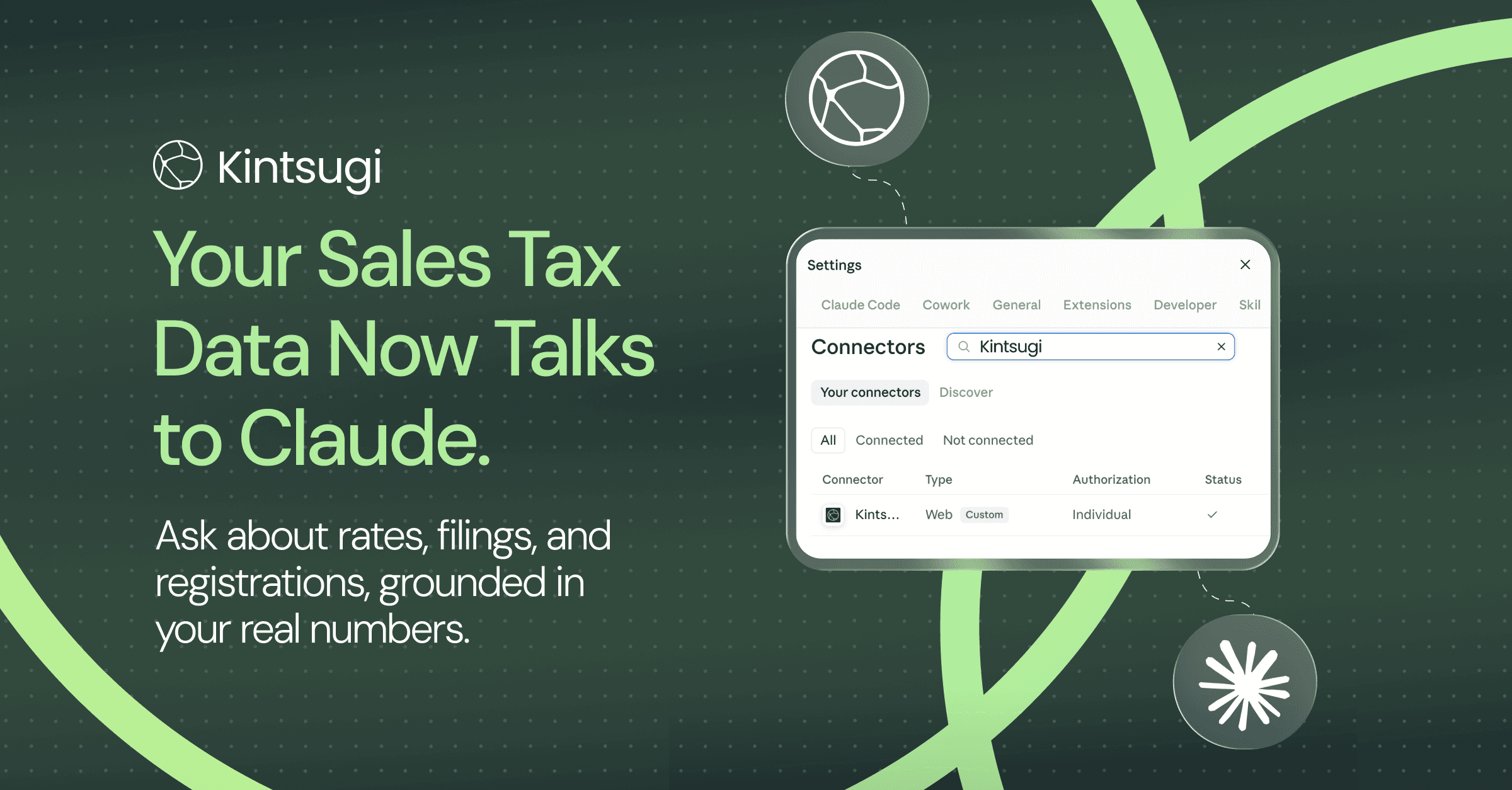
Connecting takes about two minutes: in Claude, go to Settings > Connectors, find Kintsugi, and sign in with the same credentials you use for the Kintsugi app. From there, start a new chat and ask Claude something about your account. If it answers with your numbers instead of a general explanation, you're connected.
Need a walkthrough? Follow our Help Article.
Built for Founders and Partners Who Want Answers, Not Guesswork
We built Kintsugi for founders with big dreams, and for CPA, accounting, and tech partners who want to make their customers' lives easier. Our new MCP server was built with all of you in mind.
You don't have to understand every facet of sales and use tax compliance, but we want to empower you to understand the details through your Claude or ChatGPT conversations, grounded in your own numbers instead of a general knowledge base.
Behind the scenes, our work still runs on the same automation, with the same experts verifying it for accuracy. What changes is how close you can get to it: through the tools your team already reaches for, at the moment you actually want to understand where things stand.
Ready to try it? Connect the Kintsugi MCP server in Claude's connectors directory.