

Collecting certificates
Request it, upload them,
close the gap
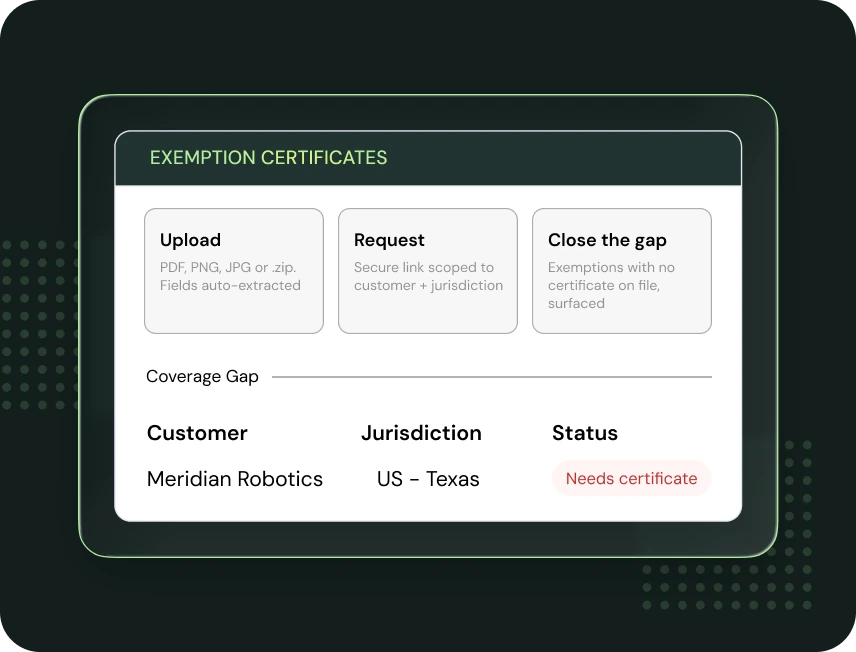
There are three ways a certificate reaches Kintsugi.
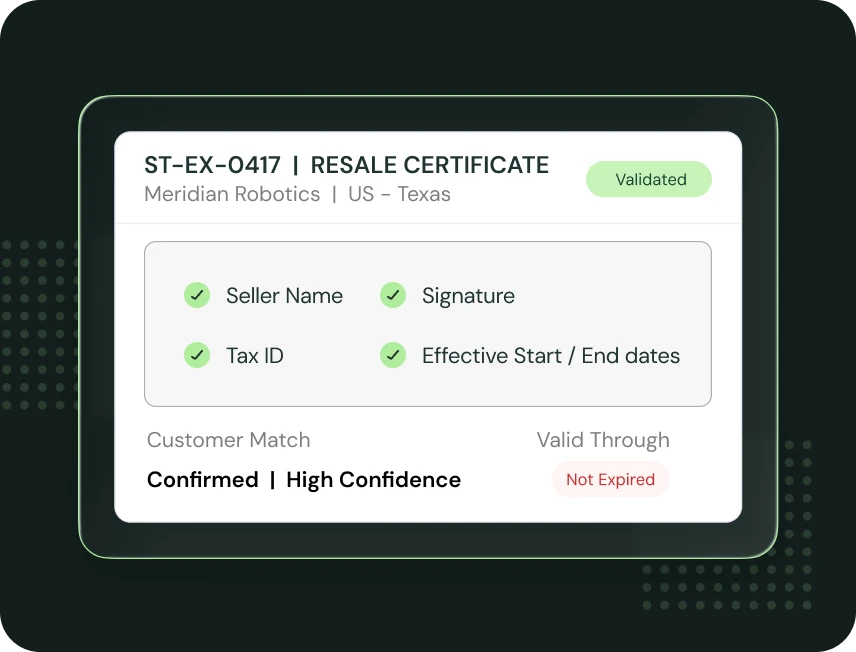
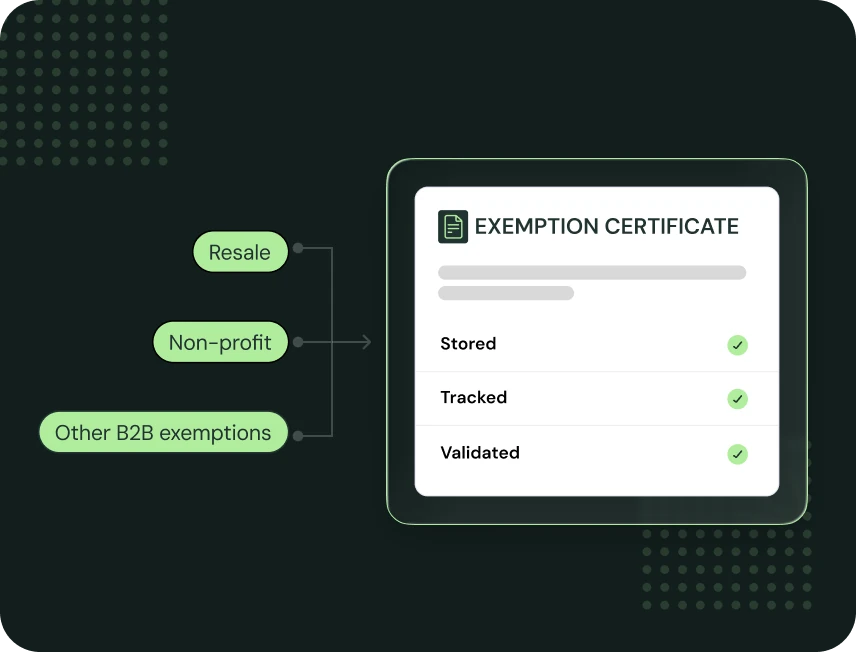
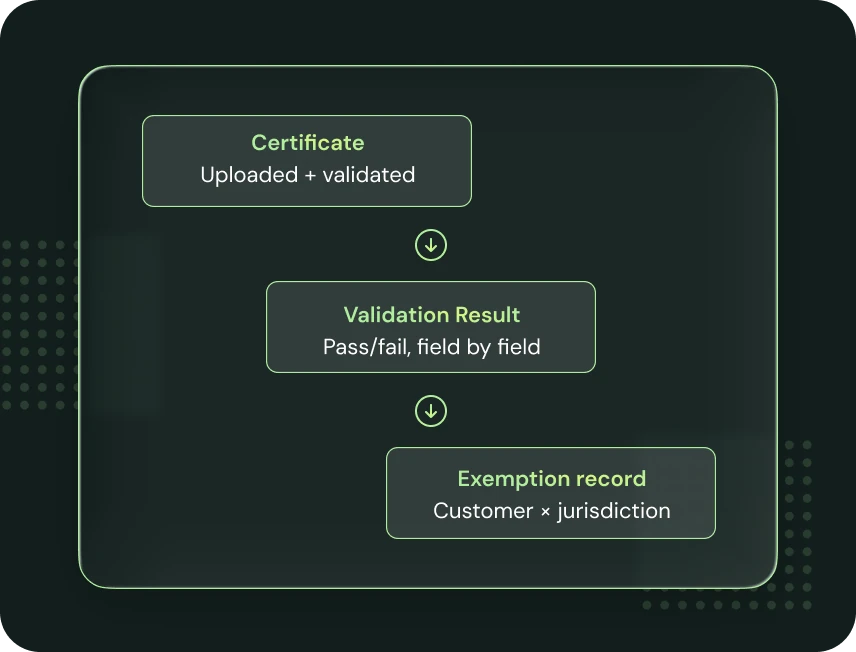
- Upload it: one at a time or in bulk (PDF, PNG, JPG, or a zip of them), and Kintsugi reads and extracts the fields automatically rather than requiring manual data entry.
- Request it: send a certificate request scoped to a specific customer and one or more jurisdictions; the customer gets an email with a secure, request-specific link where they upload the certificate themselves.
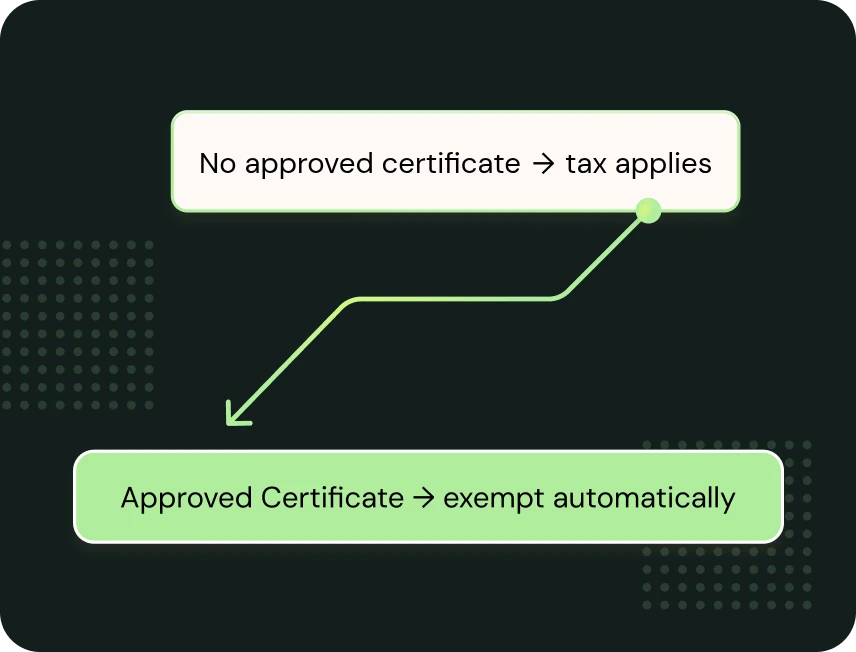
- Close the gap: Kintsugi surfaces active exemptions that don’t yet have an approved certificate attached, so you can close your coverage gap by uploading one yourself, sending a request, or marking the exemption inactive if a certificate genuinely isn’t coming.