
Your sales tax status, wherever you are
Check potential liability, see what needs your attention, and ask Kin a question from your phone. Clear a routine approval between meetings. Nothing is submitted until you confirm.



Trusted by 7,000+ businesses


Start your day
The numbers you need, always available
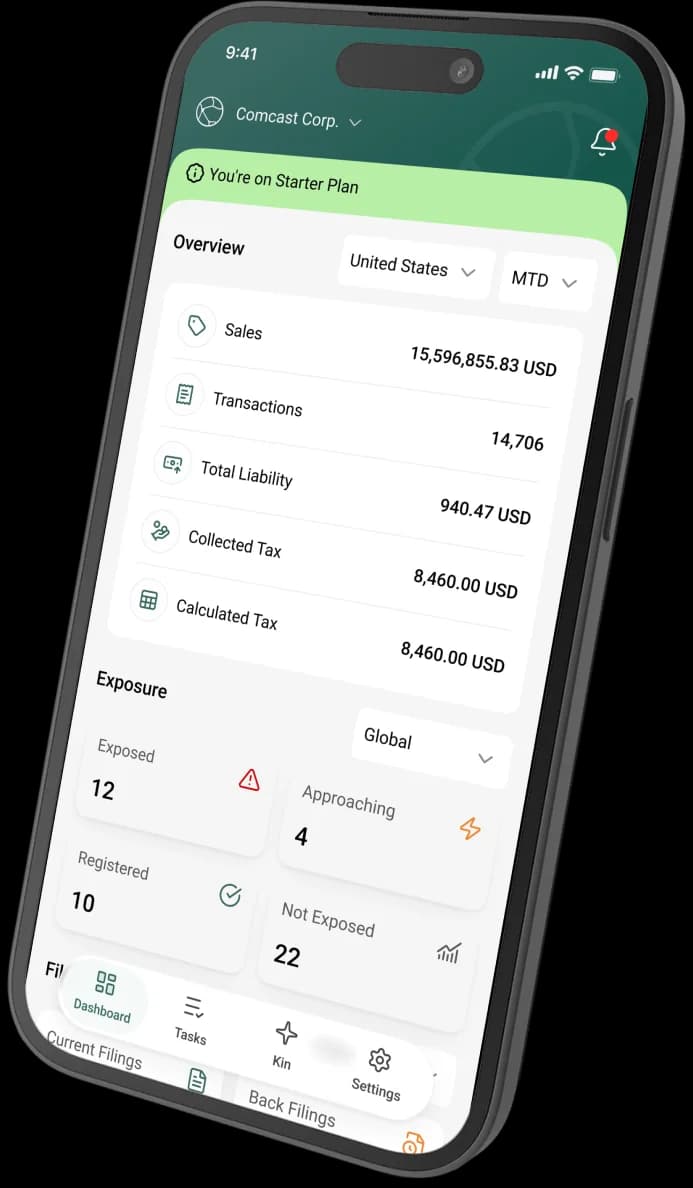
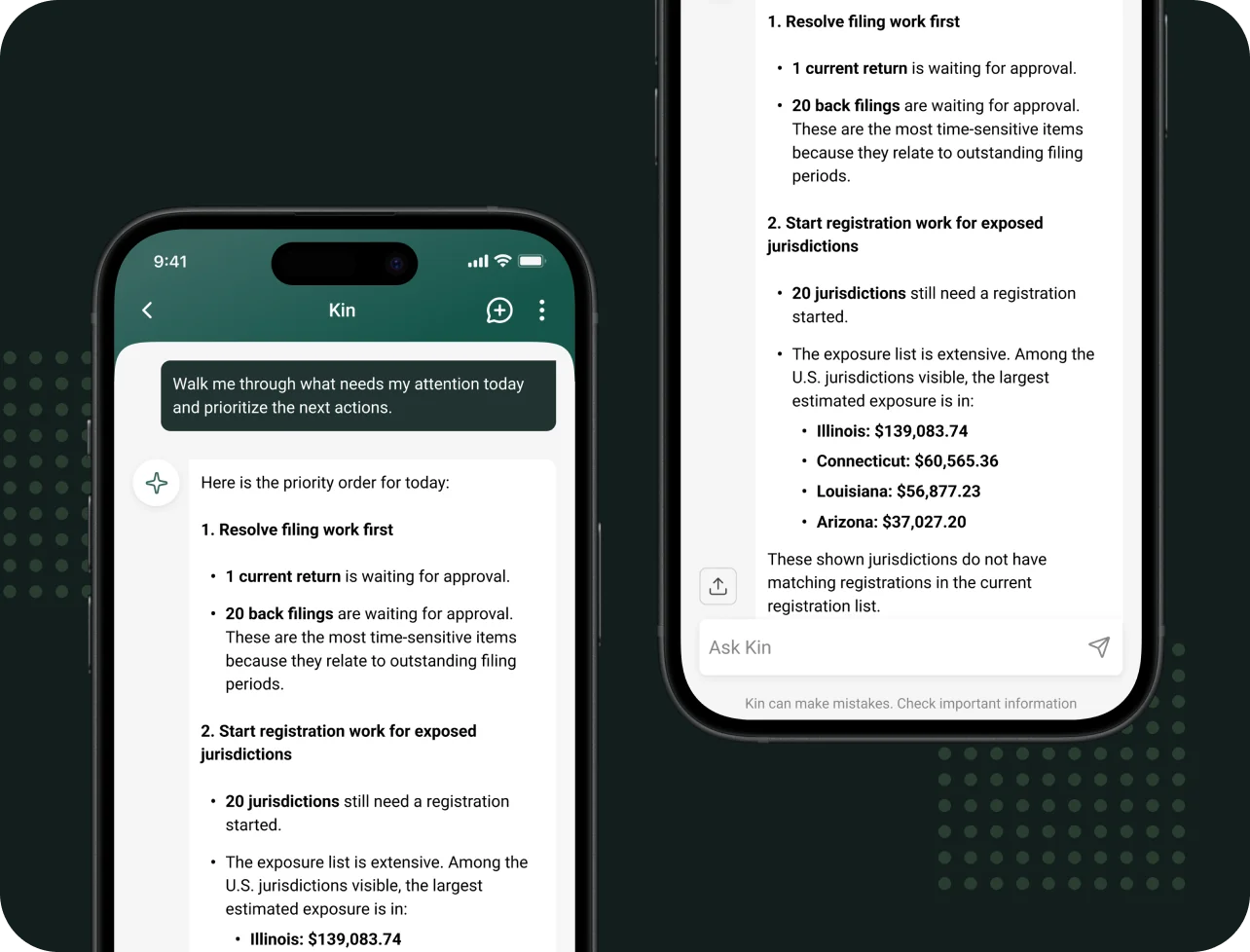
The dashboard shows potential liability, sales, transactions, collected, and remitted for your organization. Tap any card to ask Kin about it, or start from the daily briefing. Kin lists what is waiting and suggests an order to work through it.
- Potential liability and totals on one screen
- A daily briefing of filings, registrations, and nexus
- Answers stream in as Kin writes them
- Speak your question. Voice is transcribed on your device, not sent to a cloud speech service.

Know your exposure
Start with the biggest exposure
Ask Kin where to begin and get jurisdictions ranked by estimated liability, with sales and the date nexus was met alongside each one. Registrations, invalid addresses, and back filings show up in the same place, so nothing sits in a separate to-do list.
Exposure MonitoringFinish work from your phone
Approve a filing without opening a laptop
Five kinds of work can be completed in the app through Kin: approving filings and back filings, fixing or adding addresses, finishing registrations, and approving partially approved products. Kin reads the data, shows what will change, and waits for your confirmation before it runs.
Built for your phone
Your organizations, your alerts, your appearance
If you belong to more than one Kintsugi organization, switch between them from Settings. The dashboard and Kin follow the active one. Choose light, dark, or match your device, and manage which alerts you receive. Anything detailed opens in the web app with one tap.
Common questions about the mobile app


Take your sales tax compliance with you
Download the app and sign in with your Kintsugi account.