 Track
Read-only connection
Deel keeps handling hiring and payroll. Kintsugi reads your team's data to track exposure, register you where you owe, and file and remit your returns.
Deel runs your global hiring. Kintsugi reads where your employees and contractors work to show where each hire creates exposure, then registers you and files your returns.
Free exposure monitoring · Filing from $75 · No per-transaction fees
Rated 4.6/5 on G2 (60 reviews) · 7,000+ customers
 Kintsugi

Trusted by 7,000+ businesses













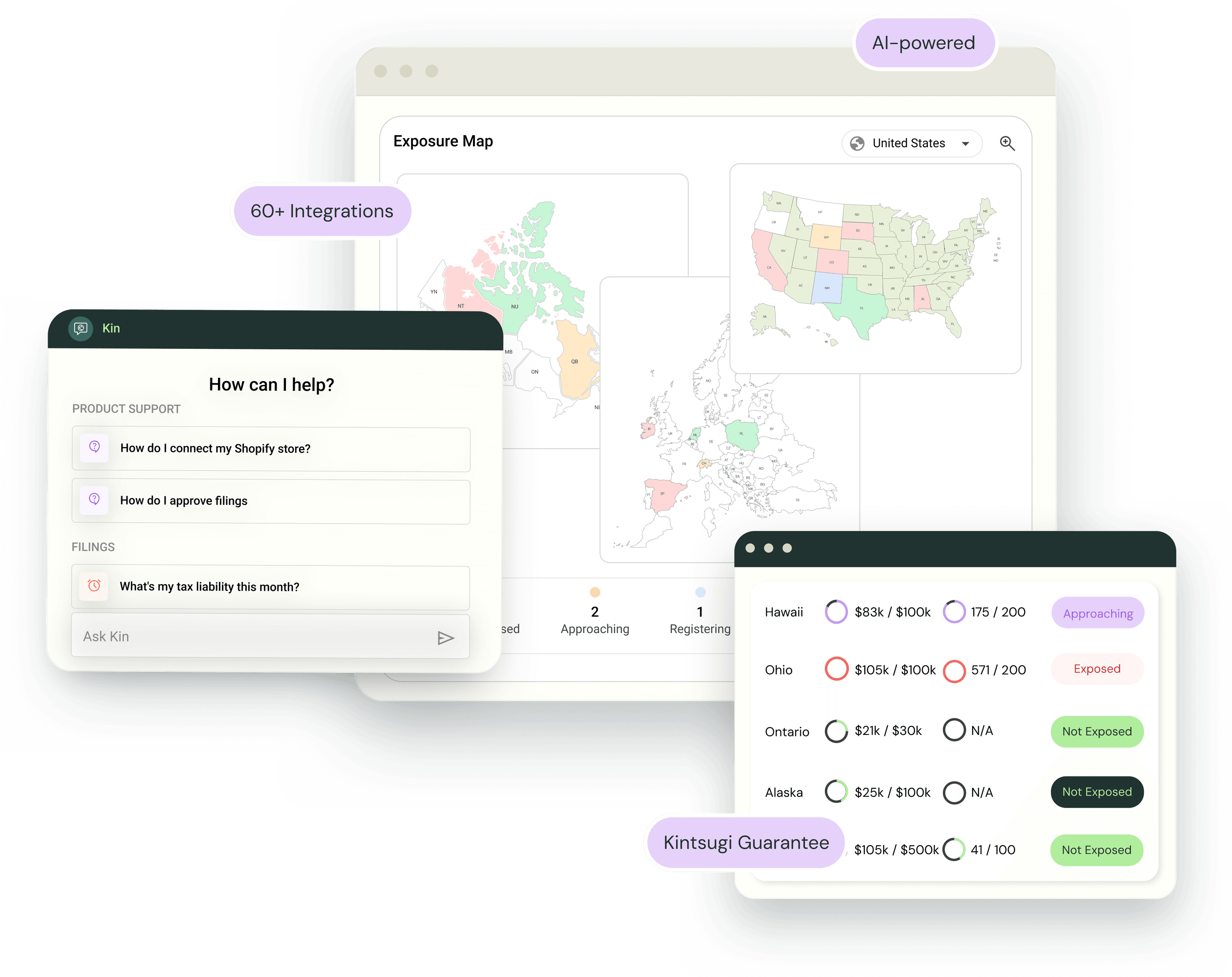
Kintsugi turns where your Deel employees and contractors work into physical presence records that count toward your exposure.
New Deel hire locations appear in Kintsugi without anyone telling finance, so hiring shows up in your exposure.
When a hire creates an obligation, Kintsugi registers you and files your returns, from $75 per filing or registration.
Deel brings people data, not sales. Kintsugi reads who works where, so every hire counts toward your exposure alongside the sales from your other connections. It doesn't change anything in Deel.
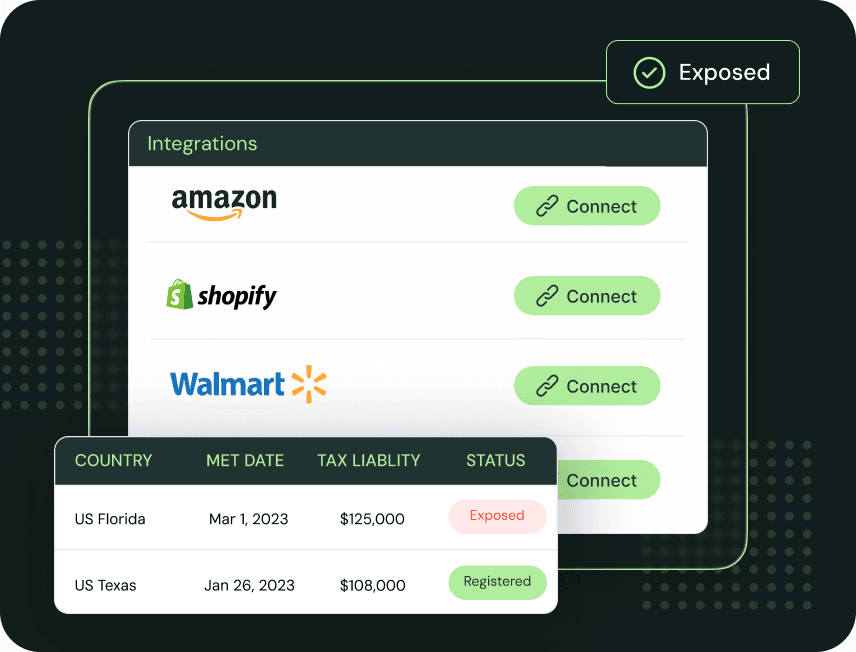
In Kintsugi, open Data Sources, choose Deel, and allow access. Your team members come across on their own.
Kintsugi reads hire dates, work locations, and employment types, and adds a presence record for each place you have someone.
Connect your billing, ecommerce, or ERP data for sales. Kintsugi then registers you where you owe, files every return, and remits on schedule.
| Synced | What Kintsugi does with it |
|---|---|
| Work locations | Used to determine where you have physical presence, so each state or country where you have people counts toward your exposure. |
| Hire dates | Used to determine your physical presence. |
| Employment types | Used to determine physical presence from employees and contractors alike. |
A remote employee in a jurisdiction can create a physical presence there. Deel sends people only, so sales come from your billing, ecommerce, or ERP connection.
Deel keeps handling hiring and payroll. Kintsugi reads your team's data to track exposure, register you where you owe, and file and remit your returns.
Every time you hire in a new state, it shows up in your exposure, so finance hears about it before a state notice does.
See where employees and contractors in other countries add to your exposure, alongside your sales.
Found out late that a hire created an obligation? Kintsugi handles back filing.
Jared Stark
Founder of Incendico Fire Alarm Store
The setup was incredibly seamless and much faster than I expected, with clear guidance throughout the process. What really stands out is their support since it is easy to get in touch with someone quickly and the team is knowledgeable and actually helpful when you have questions.

April Walford
Operations Manager at JMXi
They corrected errors in our past returns, enrolled us quickly and efficiently, filed everything on time, and thoroughly researched any questions or concerns we had. Their customer service is excellent.

Mo Hartman
Staff Accountant at Searchspring
Having the visibility on the dashboard has been extremely helpful and the ease of being able to approve. It is very user-friendly and I can see everything I need in one place.