
Skip to content
Kintsugi
Tax Calculation | Monitoring, Filing & Remittance

Automate sales tax in Salesbricks

Kintsugi calculates tax on every Salesbricks invoice, tracks where you owe, and files and remits your returns.

Free exposure monitoring · Filing from $75 · No per-transaction fees

Rated 4.6/5 on G2 (58 reviews) · 7,000+ customers

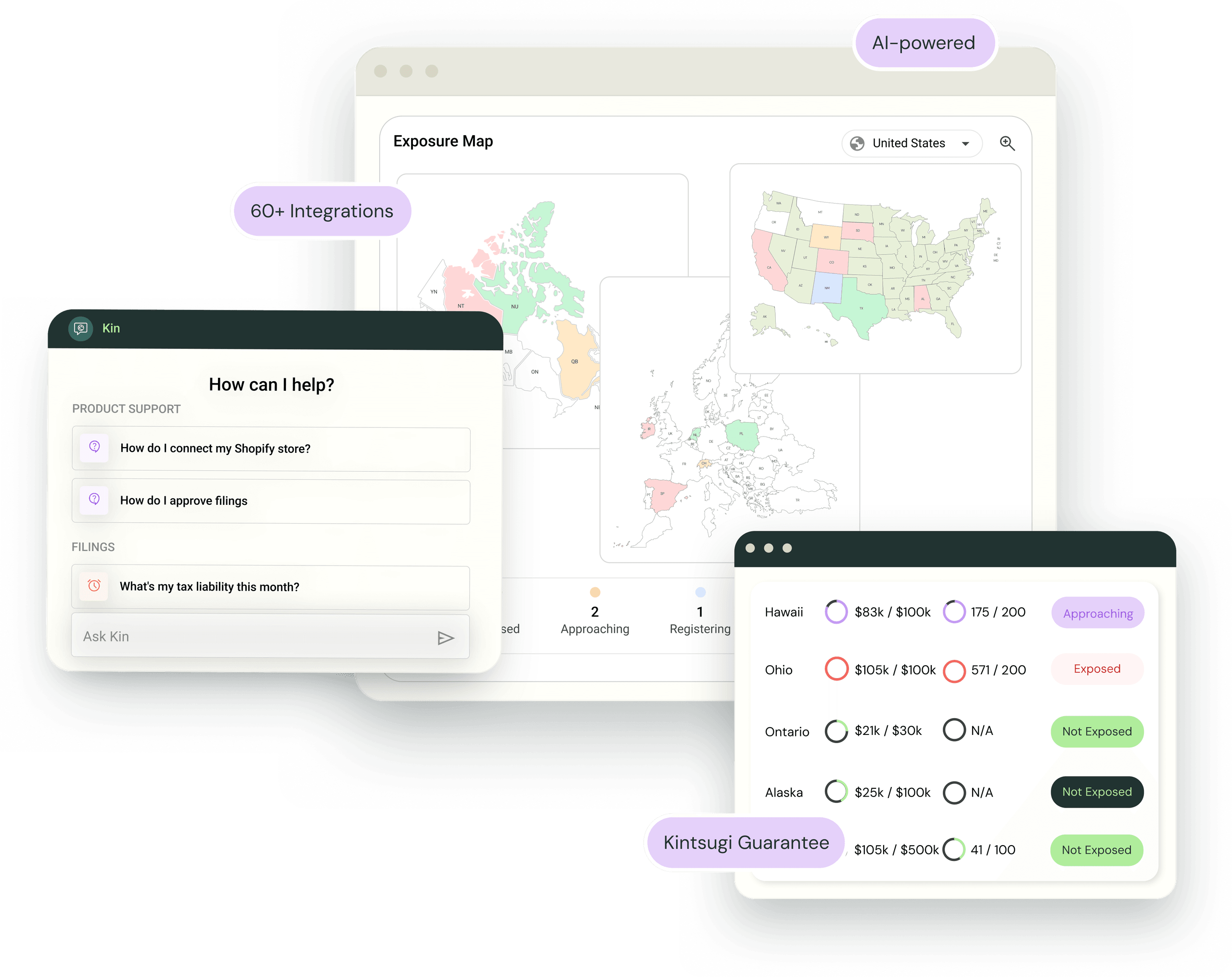
Kintsugi product UI showing exposure map, support chat, and integrations
KintsugiSalesbricks logo

Trusted by 7,000+ businesses

SearchspringFlexBattlBoxObviResbioticSmarterDxChargebee

Kintsugi calculates, monitors, and files your Salesbricks sales tax

  • Calculate

    Tax on every invoice

    Kintsugi calculates the tax as Salesbricks generates each invoice, using product classifications that live in Kintsugi, so nobody keeps tax codes in Salesbricks.

  • MonitorFree

    Exposure as you grow

    Get alerted when your Salesbricks revenue crosses a state's economic nexus threshold or a country's VAT or GST threshold, before it turns into back tax.

  • File & remit

    Returns filed for you

    Kintsugi registers you where you owe, files every return, and remits on schedule, from $75 per filing or registration.

How Salesbricks connects to Kintsugi

Kintsugi is built into the Salesbricks billing flow. Tax lands on the invoice before it goes out, and every return draws on the same invoice data.

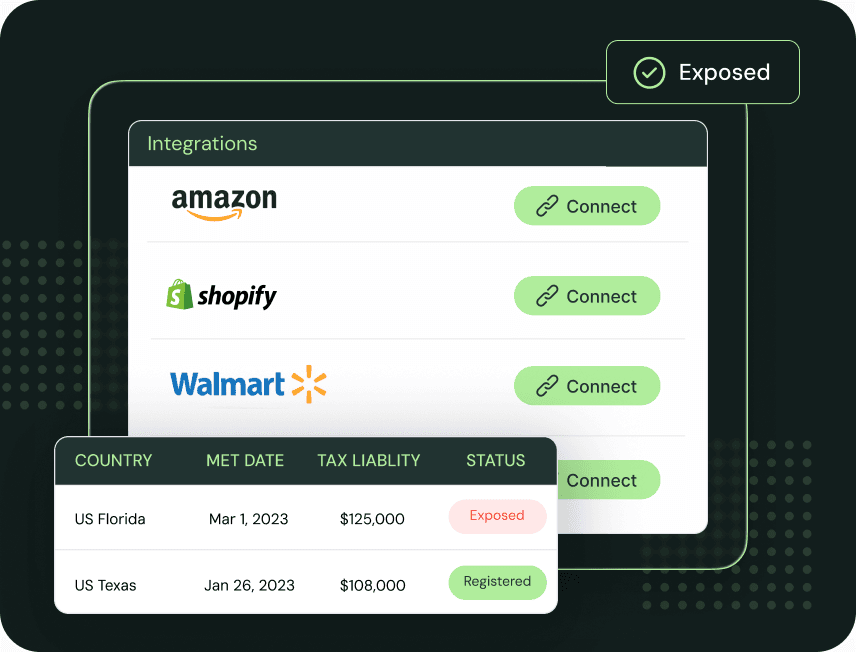
Kintsugi integrations list with connect buttons and exposure status
  1. Connect Kintsugi in Salesbricks

    Create your Kintsugi account, then connect it in Salesbricks with your Kintsugi API key. From then on, Salesbricks sends your invoices, customers, and products to Kintsugi.

  2. Tax on the invoice

    When Salesbricks generates an invoice, Kintsugi calculates the tax from your product's classification and your customer's location, across US states plus VAT and GST in 100+ countries.

  3. Register, file, and remit

    Kintsugi registers you where you owe, files every return, and remits on schedule, with the reporting you need when an auditor or an investor asks.

What Kintsugi receives from Salesbricks

Data synced from Salesbricks and how Kintsugi uses it
Sent from SalesbricksWhat Kintsugi does with it
InvoicesTaxed at generation, then tracked against every threshold and used to prepare your returns.
ProductsMatched to your Kintsugi product library, where each one is classified for taxability.
CustomersMatched to the location each invoice is taxed in.

Connect Salesbricks your way

Embedded tax engine

Salesbricks built Kintsugi in as its tax engine. Tax is calculated as each invoice is generated, and the same invoices feed exposure monitoring, registration, filing, and remittance. Salesbricks sends the data, so nothing in Kintsugi depends on exports or manual entry.


Who uses Kintsugi with Salesbricks

  • Selling SaaS into new states

    SaaS is taxable in some states and exempt in others. Kintsugi tells you when your Salesbricks revenue crosses a threshold and whether your product is taxable there.

  • Invoicing customers abroad

    Track VAT and GST exposure across 100+ countries from the same Salesbricks invoices you already send.

  • Getting ready for diligence

    Uncollected tax on past subscriptions surfaces fast in a fundraise or acquisition. Kintsugi shows where you owe and handles any back filing.

How Salesbricks sales tax works

What Salesbricks does

Salesbricks is a revenue platform for B2B software companies. It runs each deal from quote to cash: pricing and packaging, contracts and e-sign, checkout, billing, and payments. For sales tax, Salesbricks is able to add tax to invoices for you, but only in the states you tell it to.

Where it stops

Salesbricks is built to close and bill deals, and compliance automation is outside that scope. Deciding which states to switch on is up to you, because Salesbricks doesn't track when your revenue crosses a state's threshold. Registering, filing returns, and remitting what you've collected also happen outside Salesbricks.

What Kintsugi adds

Kintsugi calculates tax on each Salesbricks invoice from products it has already classified, tracks your exposure in every state and 100+ countries, and registers, files, and remits returns for you. Monitoring is free, and filing starts at $75 per filing or registration, with no per-state subscription and no per-invoice fees.

Why Customers Love Us

  • Jared Stark

    Founder of Incendico Fire Alarm Store

    The setup was incredibly seamless and much faster than I expected, with clear guidance throughout the process. What really stands out is their support since it is easy to get in touch with someone quickly and the team is knowledgeable and actually helpful when you have questions.
  • April Walford

    Operations Manager at JMXi

    They corrected errors in our past returns, enrolled us quickly and efficiently, filed everything on time, and thoroughly researched any questions or concerns we had. Their customer service is excellent.
  • Mo Hartman

    Staff Accountant at Searchspring

    Having the visibility on the dashboard has been extremely helpful and the ease of being able to approve. It is very user-friendly and I can see everything I need in one place.

Salesbricks sales tax FAQ

Ready to automate Salesbricks sales tax?