FreshBooks sales tax automation
Kintsugi calculates tax on your FreshBooks invoices, monitors where you owe it, and handles filing and remittance.
Free exposure monitoring · Filing from $75 · No per-transaction fees
Rated 4.6/5 on G2 (58 reviews) · 7,000+ customers
 Kintsugi

Trusted by 7,000+ businesses


Kintsugi calculates, monitors, and files your FreshBooks sales tax
- Calculate
Tax on the invoice
Kintsugi calculates the tax on each invoice or credit note as it's created or updated, and adds it to each taxable line.
- MonitorFree
Nexus from your billing data
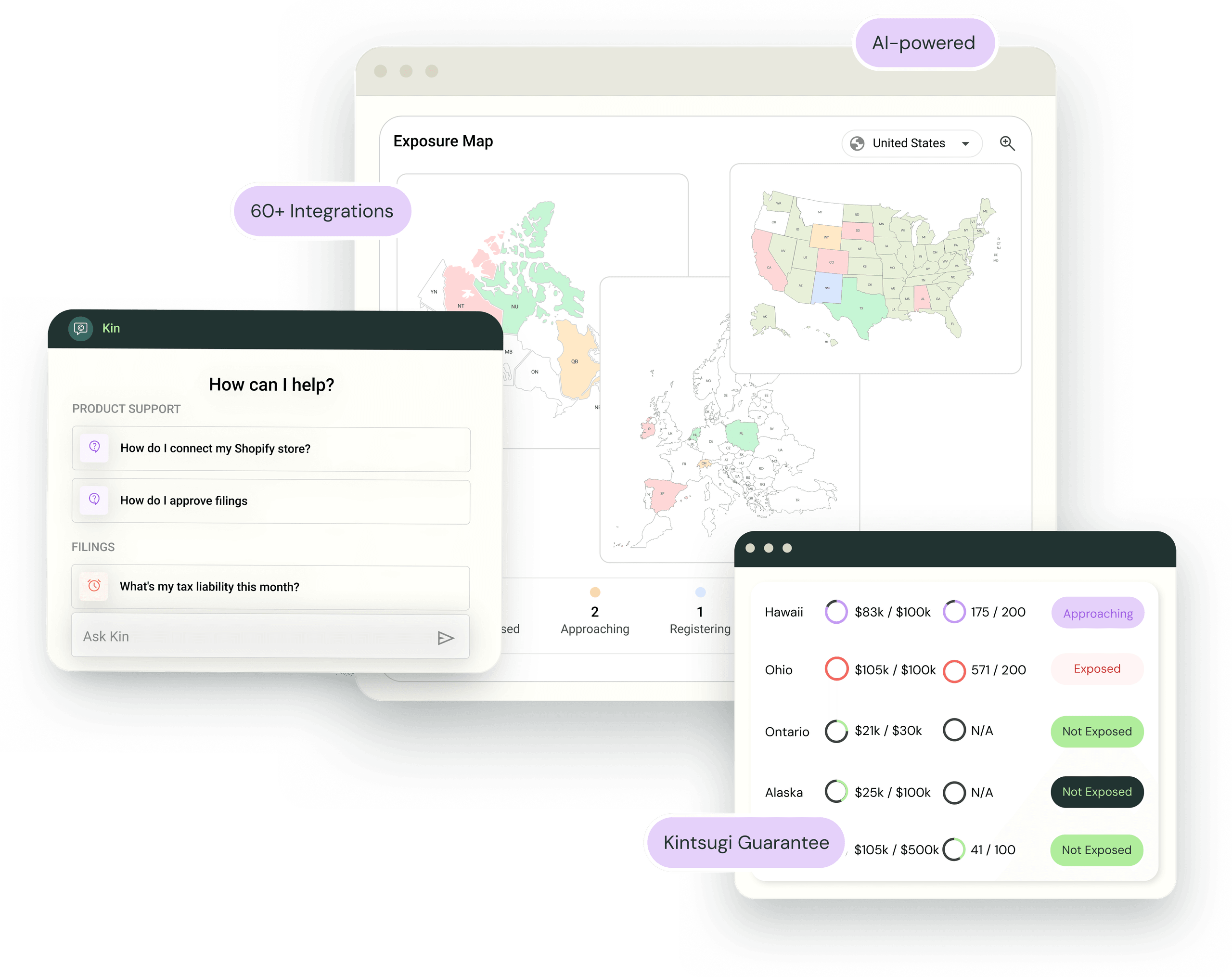
Kintsugi reads your FreshBooks clients, products, and invoices to track your exposure in the US and 100+ countries, and sends nexus alerts.
- File and remit
Returns filed for you
Kintsugi registers you, files your returns, and remits on schedule. Filing starts at $75.
 Calculate
How FreshBooks connects to Kintsugi
FreshBooks runs your invoicing. Kintsugi connects to your FreshBooks account and handles the tax, so you keep the invoicing setup you already have.
Connect FreshBooks
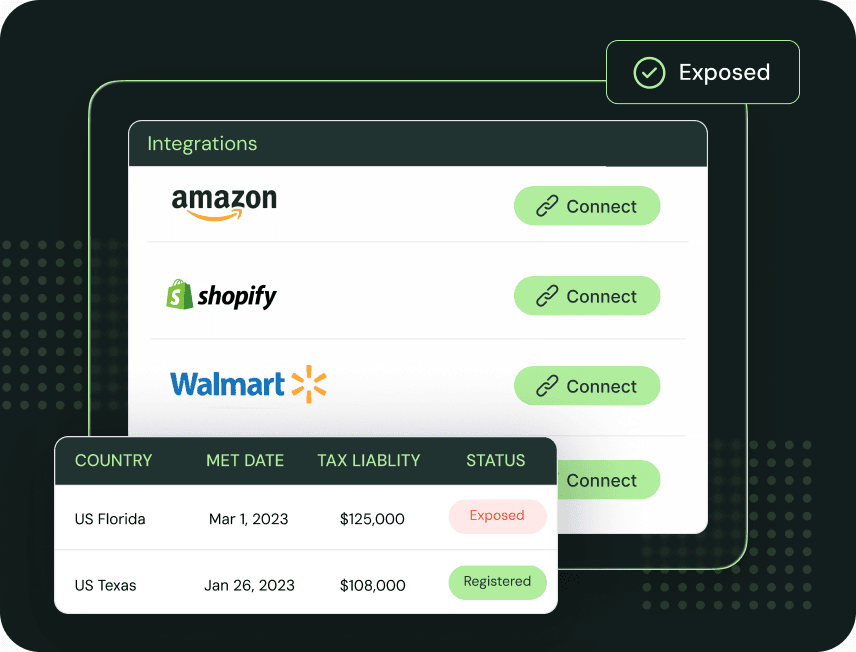
In Kintsugi, go to Settings, then Import, then Integrations, and choose FreshBooks. You sign in on FreshBooks' own screen and approve access. If your login owns more than one business, pick the one to connect.
Let the first sync finish
Kintsugi pulls in your clients, products and services, invoices, and credit notes. Set a start date if you want to limit how far back it goes.
Enable Tax Collection
Click Enable Tax Collection on the connection. Kintsugi sets up the link with FreshBooks for you, so there is no app to install.
What Kintsugi uses from each FreshBooks invoice
| Data | What Kintsugi does with it |
|---|---|
| Invoice line items | Classified for taxability and used to calculate tax |
| Client address | Used to find the jurisdiction and the rate |
| Sales Tax rate (returned to FreshBooks) | Written onto each taxable line. Lines with no tax are left untaxed. |
FreshBooks holds one tax rate per line, so Kintsugi combines state and local tax into a single Sales Tax rate. Kintsugi keeps the full breakdown.
Who uses Kintsugi with FreshBooks
Small businesses that invoice in FreshBooks and want tax handled on the invoice instead of in a spreadsheet afterward.
Service businesses that are growing into new states, where nexus can arrive with a new client.
How FreshBooks sales tax works
What FreshBooks does
FreshBooks is cloud accounting and invoicing software for small businesses.
Where it stops
FreshBooks applies the tax rates you set up yourself. It doesn't tell you where you owe tax or file your returns.
What Kintsugi adds
Kintsugi calculates tax on each invoice and tracks your nexus. It registers you where you owe, then files and remits on schedule.
Why Customers Love Us
Jared Stark
Founder of Incendico Fire Alarm Store
The setup was incredibly seamless and much faster than I expected, with clear guidance throughout the process. What really stands out is their support since it is easy to get in touch with someone quickly and the team is knowledgeable and actually helpful when you have questions.

April Walford
Operations Manager at JMXi
They corrected errors in our past returns, enrolled us quickly and efficiently, filed everything on time, and thoroughly researched any questions or concerns we had. Their customer service is excellent.

Mo Hartman
Staff Accountant at Searchspring
Having the visibility on the dashboard has been extremely helpful and the ease of being able to approve. It is very user-friendly and I can see everything I need in one place.