

Skip to content
Kintsugi
Compliance Automation | Monitoring, Reporting & Filing

Automate sales tax compliance for PlentyONE

PlentyONE runs your orders. Kintsugi reads them to show where you have nexus, power your reports, and file your returns. No plugin to buy or install.

Free exposure monitoring · Filing from $75 · No per-transaction fees

Rated 4.6/5 on G2 (55 reviews) · 7,000+ customers

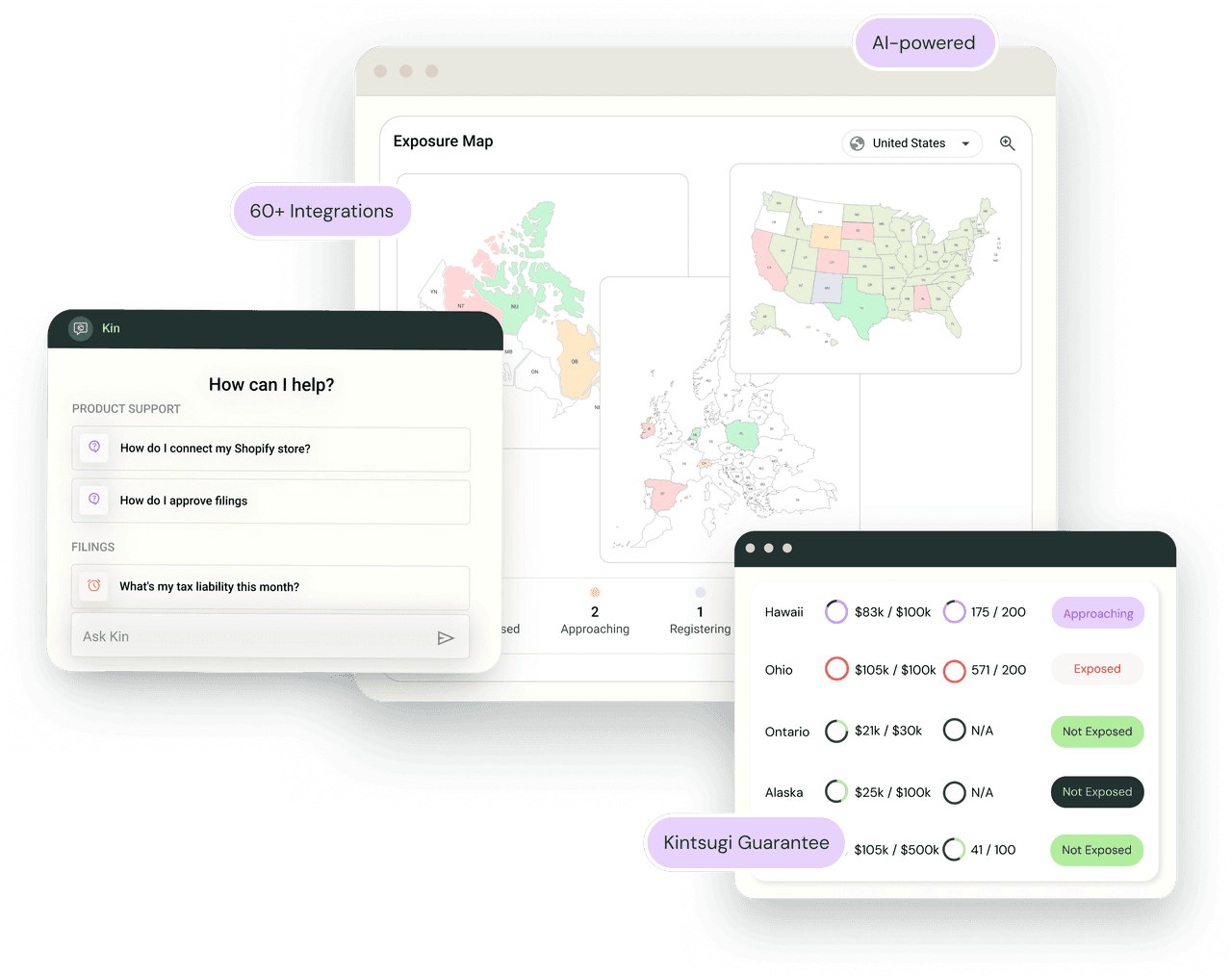
Kintsugi product UI showing exposure map, support chat, and integrations
KintsugiPlentyONE logo

Trusted by 7,000+ businesses

SearchspringFlexBattlBoxObviResbioticSmarterDxChargebee

Kintsugi tracks, reports, and files your PlentyONE sales tax

  • TrackFree

    See your nexus, everywhere

    Kintsugi checks your PlentyONE sales against registration and reporting thresholds and flags where you have exposure.

  • Report

    Reports from your own orders

    Line items, discounts, shipping, and credit notes come across, so your reports rest on what you actually sold.

  • File

    File through Kintsugi

    Your synced orders feed your returns, so you can file through Kintsugi without rebuilding your sales data.

How PlentyONE connects to Kintsugi

Kintsugi reads your orders through the PlentyONE REST API with a dedicated API user you create. It never writes to your shop. You keep setting tax in PlentyONE.

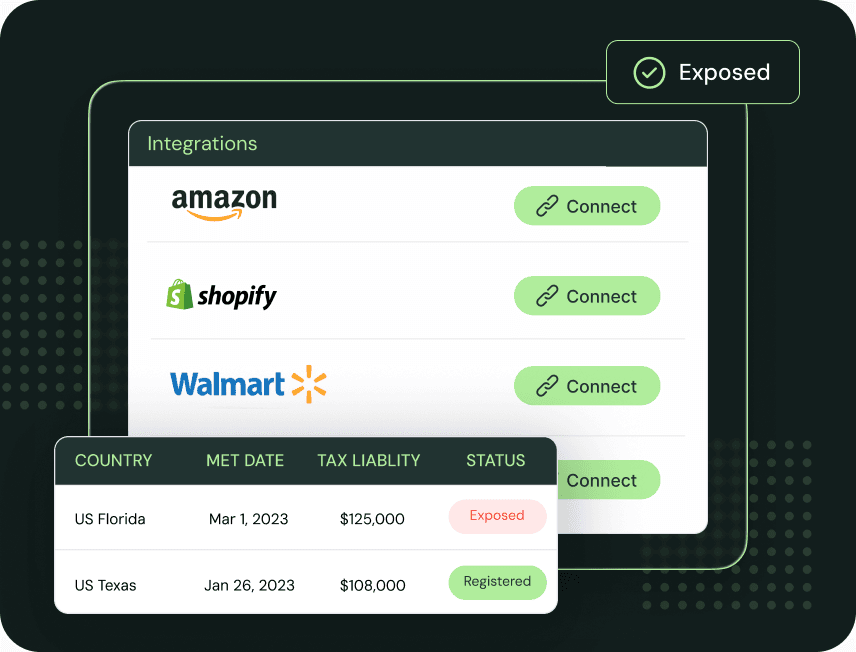
Kintsugi integrations list with connect buttons and exposure status
  1. Create a read-only role and API user

    In PlentyONE, give a role Read on Orders, CRM, and Items, then create an Only API user with that role.

  2. Connect

    In Kintsugi, open Data Sources, choose PlentyONE, and enter your system ID, username, and password. Add a Sync from date if you want to limit history.

  3. Review and go

    Syncing starts right away. Kintsugi assigns product categories for you to approve, flags addresses to fix, and starts watching your thresholds.

What Kintsugi syncs from PlentyONE

Data synced from PlentyONE and how Kintsugi uses it
SyncedWhat Kintsugi does with it
OrdersPaid own-shop and manual orders, with line items, discounts, and shipping, for nexus tracking and reports
Credit notesImported as credit memos and linked to the original sale, so refunds net out correctly
Customers and companiesThe customers on your synced orders, including VAT ID or tax ID where present
ProductsThe products on your synced orders, which Kintsugi categorizes for tax
AddressesBilling and shipping addresses, checked for errors

Kintsugi imports only the customers and products that appear on synced orders, not your full customer list or catalog.

Connect PlentyONE your way

Read-only connection

Kintsugi signs in with an Only API user that can read orders, customers, and items and nothing else. Create, update, and delete stay switched off. There is no plugin to buy from plentyMarketplace, and Kintsugi never changes your PlentyONE tax settings.

Who uses Kintsugi with PlentyONE

  • Multichannel sellers who want one view of nexus

    Your own shop and manual orders sit in one place, with marketplace orders included if you choose.

  • Teams with more than one PlentyONE system

    Kintsugi keeps one connection per system, so you connect each one on its own.

  • Finance teams who want to file from clean data

    Credit notes link to the original sale, and product and address issues surface on your dashboard.

How tax works with PlentyONE

What PlentyONE does

PlentyONE runs your catalog, orders, customers, and sales channels from one backend, and it is where you set tax for your store.

Where Kintsugi stops

This connection reads orders only. It does not calculate tax at checkout in PlentyONE and it does not send tax or VAT rates back to your shop.

What Kintsugi adds

Kintsugi calculates its own tax from the imported amounts and keeps the VAT stored on your PlentyONE order for reference. It uses those orders to track nexus, build reports, and file your returns.

What is not imported

  • Marketplace orders from channels such as Amazon, eBay, and OTTO are skipped by default. You can import them, flagged as marketplace, when you connect or later under Edit.
  • Unpaid orders are not imported until they are paid.
  • Goods returns are not imported. Returns move stock, not money.

Why Customers Love Us

  • Jared Stark

    Founder of Incendico Fire Alarm Store

    The setup was incredibly seamless and much faster than I expected, with clear guidance throughout the process. What really stands out is their support since it is easy to get in touch with someone quickly and the team is knowledgeable and actually helpful when you have questions.
  • April Walford

    Operations Manager at JMXi

    They corrected errors in our past returns, enrolled us quickly and efficiently, filed everything on time, and thoroughly researched any questions or concerns we had. Their customer service is excellent.
  • Mo Hartman

    Staff Accountant at Searchspring

    Having the visibility on the dashboard has been extremely helpful and the ease of being able to approve. It is very user-friendly and I can see everything I need in one place.

PlentyONE sales tax FAQ

Ready to automate PlentyONE sales tax?